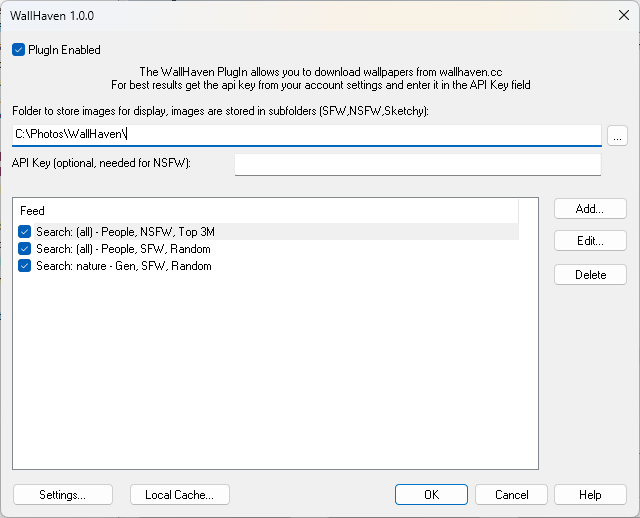
The WallHaven PlugIn allows you to download wallpapers from wallhaven.cc and display them in gPhotoShow Pro.
WallHaven v1.0.0
After downloading, double-click the downloaded file in Windows Explorer to start the installer.
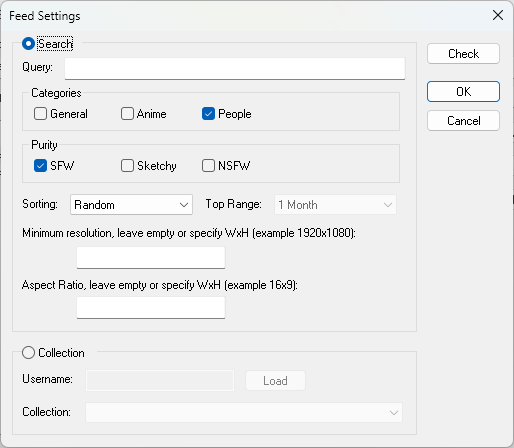
You can configure multiple feeds based on keyword search or user collections, with filters for categories, purity, resolution and aspect ratio.
The plugin progressively downloads wallpapers and stores them in a local cache folder. Downloaded images are automatically organized into subdirectories based on their purity level (sfw, sketchy, nsfw). When pictures are displayed by gPhotoShow/WallpaperSS they are removed from cache and new ones are downloaded.